How to Create a User in Salesforce
Creating New Users in Salesforce
The Salesforce Administrator can perform many user management functions like creating and managing users in salesforce, assigning user licenses, changing passwords, and granting permissions to access certain data in salesforce.
Who is a User?
"User" is a person who has credentials to log in to Salesforce and use the application. By default, every user in salesforce will have a user account. The User account identifies the user and the settings determine it’s features.
- Every user account in salesforce will have a username.
- Email address.
- Every user account must have a license. User licenses depend upon the Salesforce license we use.
- Profile and Role.
Depending upon the number of users, the organization must purchase additional licenses and assign them to every user.
How to create a user in Salesforce
1. Click on gear icon and go to Setup.
2. Once in setup search User in quick find box.
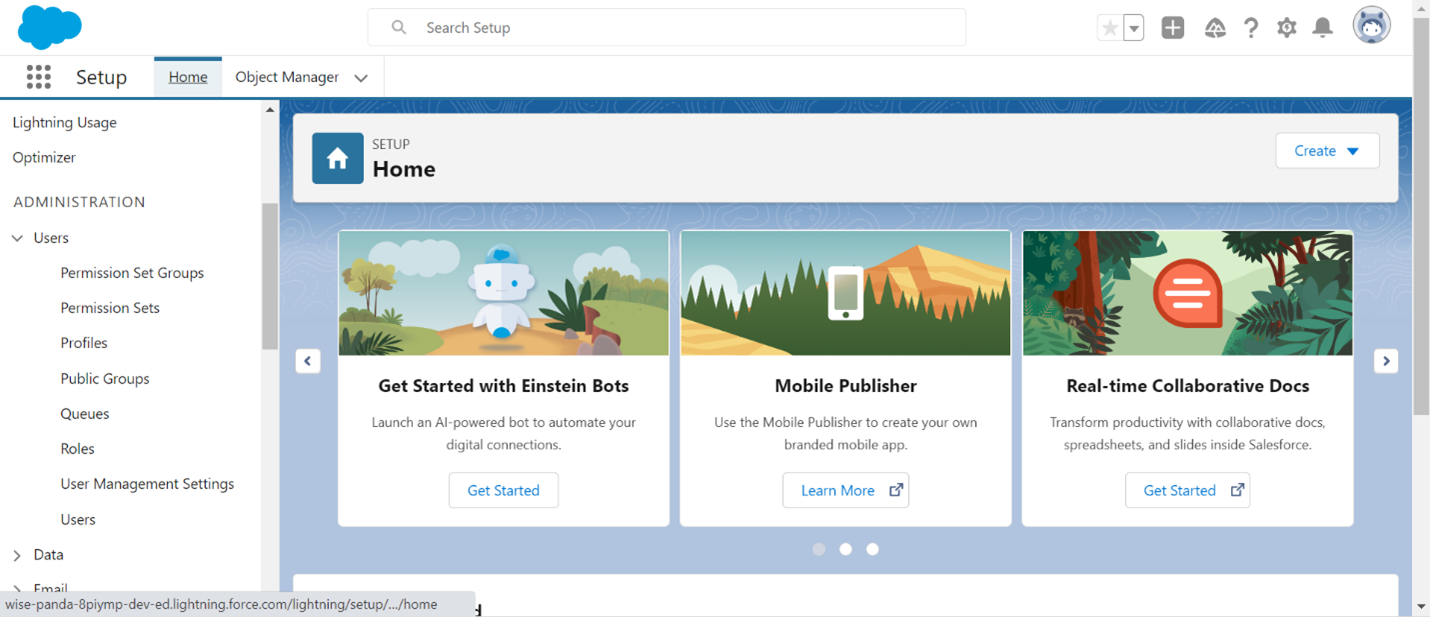
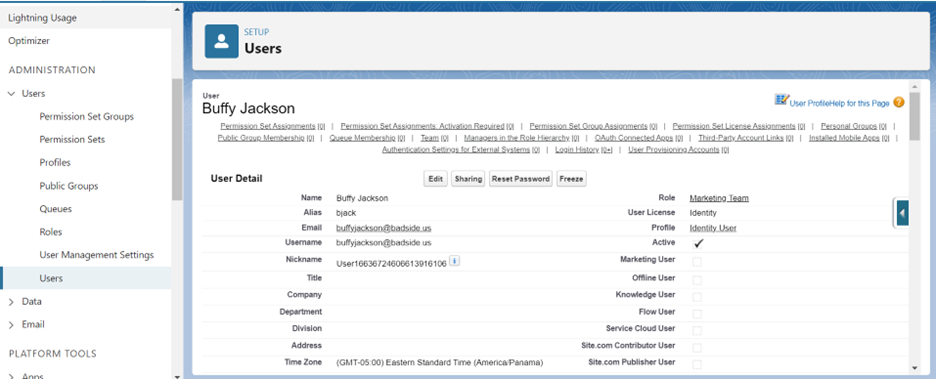
3. Click Users to see current Users
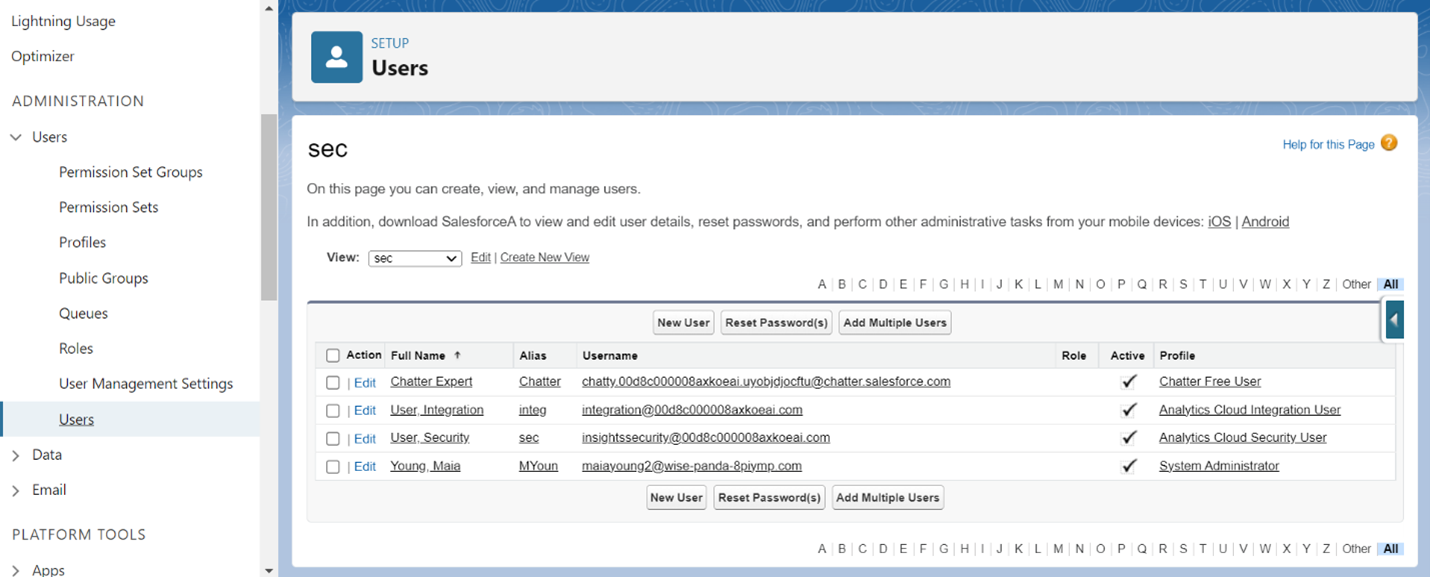
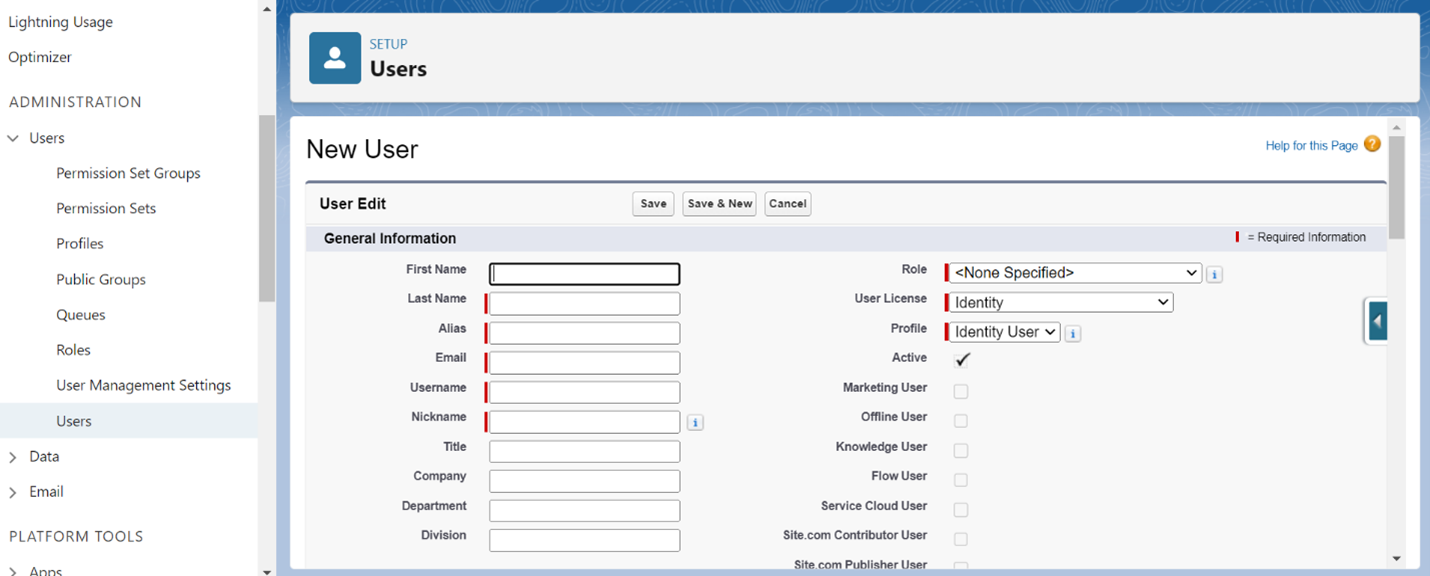
4. Click New User and fill out General Information. All fields marked with red are mandatory. Be sure to click in User License and select the correct license for the specified role of the user in the organization.
5. Scroll to complete Mailing Address, Single Sign on Information, Locale settings and Approver Settings.
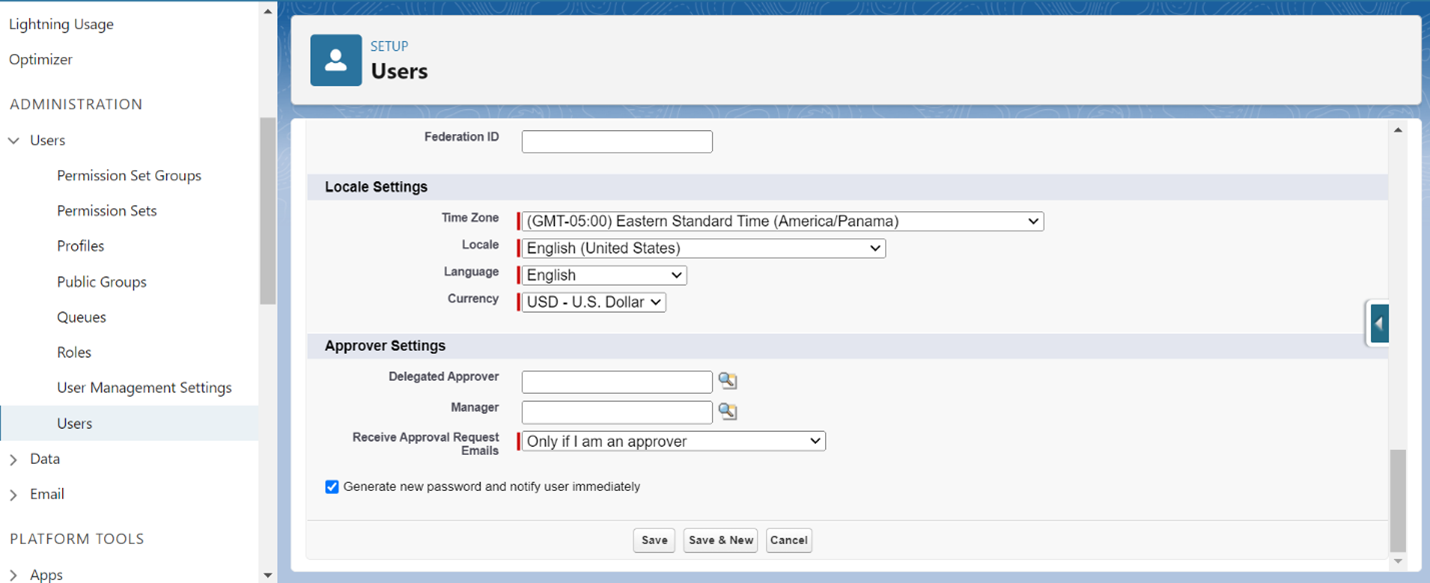
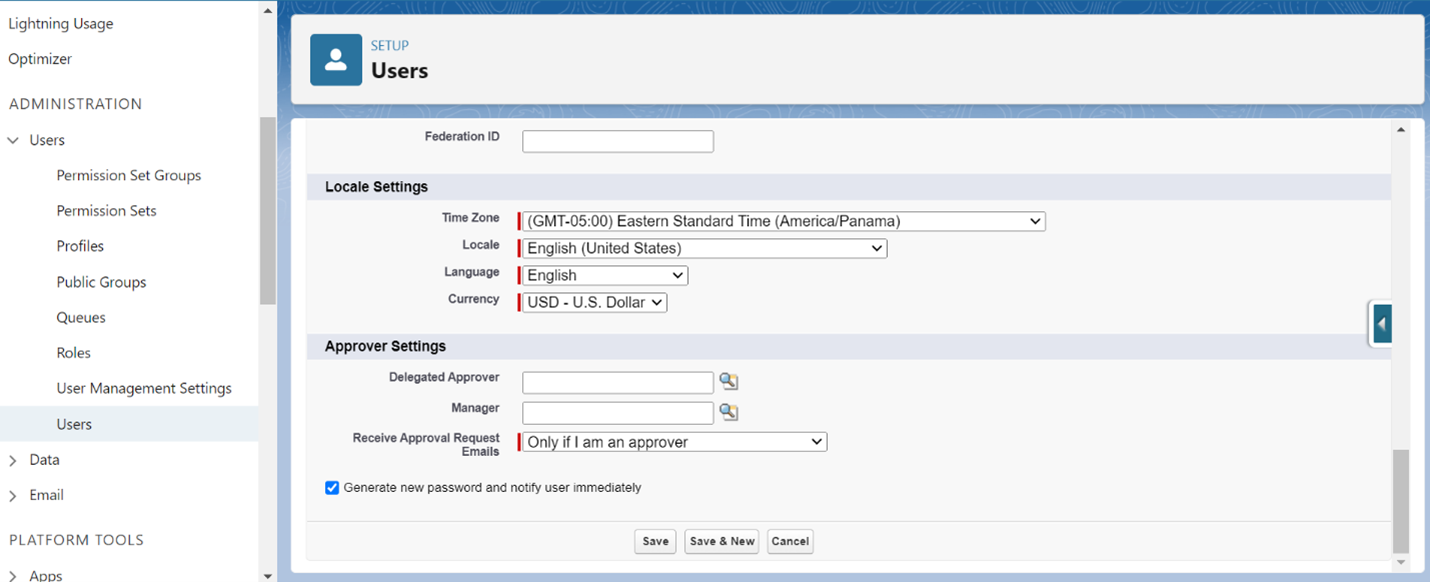
6. Be sure to click the box to “Generate New Password Automatically” if you are adding a New User to the organization who needs to be able to sign in and click Save to save your new user profile.
I hope you enjoyed this guide Happy Hiking!
0 Comments Add a Comment?